birthdays · ideas · guest photos
Birthday party photo sharing: 9 ideas that get guests to add their photos
· 3 min read
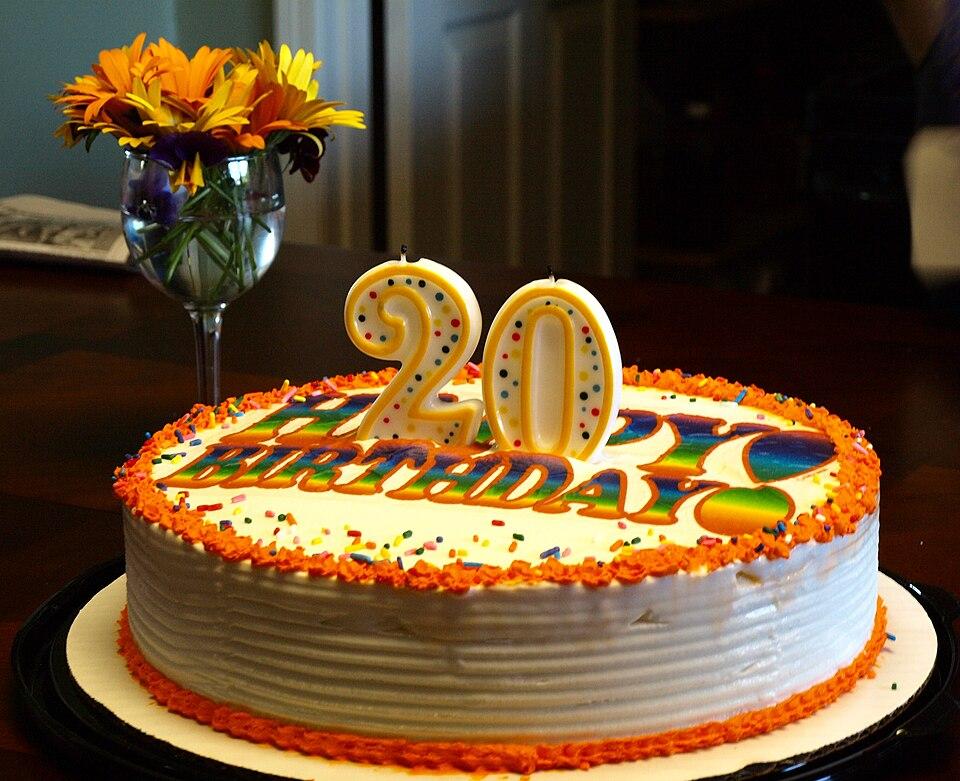
At every birthday party, the best photos are taken by the guests. Someone catches the moment the candles go out, someone else films the off-key singing, and a cousin gets the one picture where everybody's looking at the camera. Then the party ends and the photos stay on their phones.
Here are nine ideas that get them into one place, ordered roughly from "takes two minutes" to "takes a little planning".
1. Put a QR code on the cake table
The cake is when every phone comes out. A small sign next to it, "Scan to add your photos", catches people at exactly the right moment. A QR code that opens the album in the browser, with nothing to install, works for kids, teenagers and grandparents alike. (Here's how to make one that scans.)
2. Send the link with the invitation
If the invitation already has the link to the album, guests know before they arrive that there's one place for the photos. Bonus: people who can't come can still see the party.
3. Make an announcement
One sentence before the cake ("everyone, the photos go here, scan the code on the table") does more than ten messages afterwards. Ask whoever gives a toast to mention it.
4. Show the album live on a TV
If the party's at home or in a venue with a screen, open the shared gallery on it. When guests see their photo pop up on the TV, they go and take more. It's the closest thing to a photo booth you can set up in a minute.
5. Give it a theme
A small challenge gets people shooting: "the best dance move", "the most chaotic group photo", "someone mid-laugh". Announce a winner at the end, chosen from the gallery.
6. Make it about the birthday person
Ask every guest to add one photo with the birthday person. By the end of the night, there's a portrait with every single guest, which is a lovely thing to have, especially for a big birthday.
7. Don't forget the videos
The happy birthday song, the speech from a best friend, the moment the gift gets unwrapped: these are often videos, and they're the ones people treasure later. Pick a way of collecting photos that takes videos too.
8. Let the grown-ups help the kids
At a children's party, the parents are the photographers. Put the QR code where they stand, usually at the coffee table or by the door, rather than where the kids are.
9. Send one message the next day
The morning after, send the link once more: "Thank you for coming! Here are all the photos, add any we're missing." That catches the people who took photos but didn't get round to sharing them during the party.
What makes it work
Whatever ideas you pick, three things decide whether guests actually share:
- It has to be effortless. No app to install and no account to create. Every extra step loses people.
- It has to work on every phone. iPhone photos are often saved in a format other phones can't open, so pick something that handles that. (Here's why.)
- People need to see it working. A gallery that fills up live is its own reminder.
Veselo was made for this. You create the event, put the QR code next to the cake, and guests add photos and videos straight from their phones, without an app or an account. Everyone sees every photo in one gallery, live. It's free during the beta, so your next birthday is a good place to try it: create your event.