weddings · guest photos
How to collect photos from wedding guests, without chasing anyone
· 4 min read
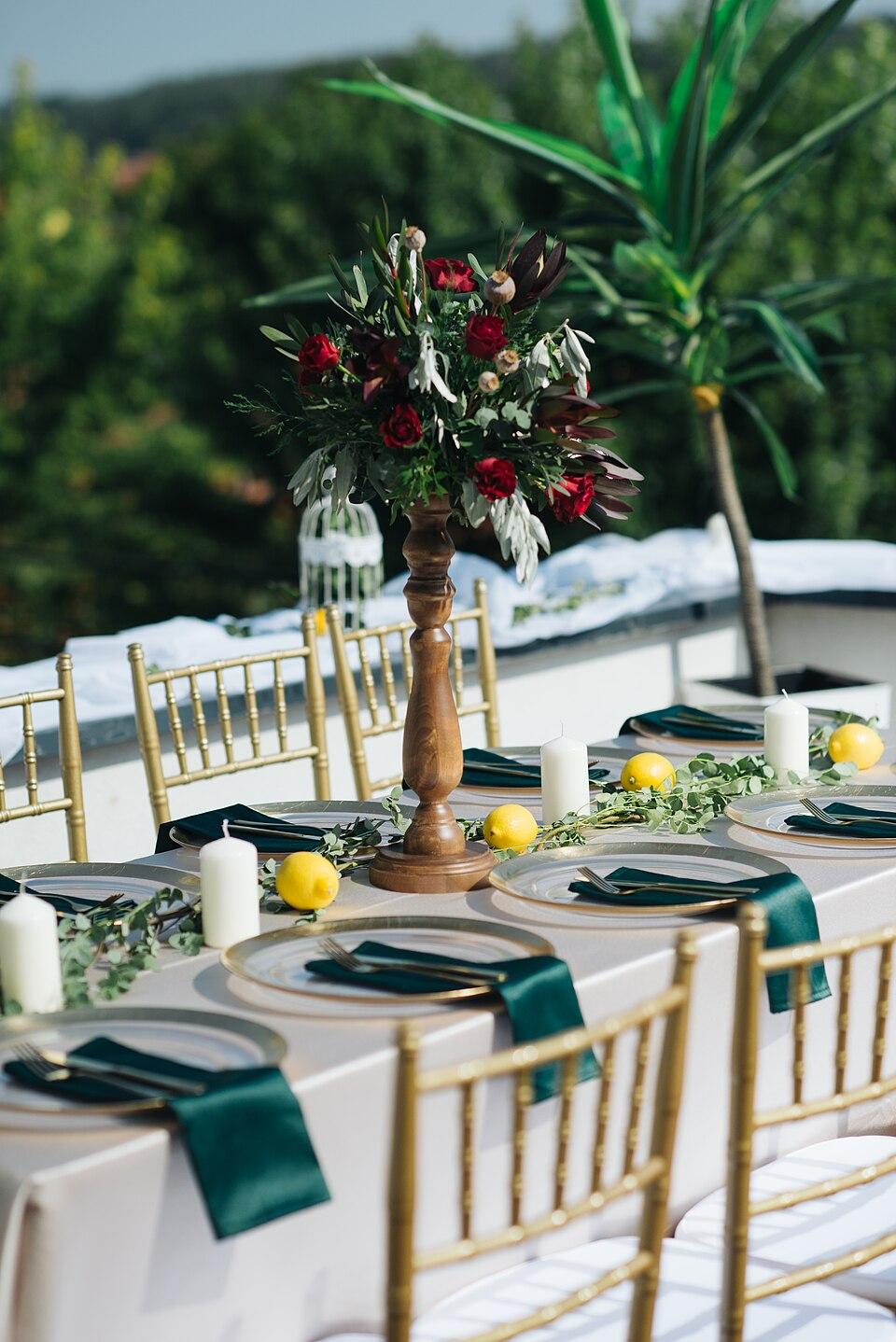
Your photographer will capture the ceremony, the portraits and the first dance. But the photos you'll end up loving most are often the ones your guests took: the flower girl asleep under a table, your grandmother on the dance floor, the moment the band played that song. Between them, a hundred guests easily take more photos than any photographer, and almost none of them ever reach you.
This guide covers why that happens, the usual ways couples try to fix it, and a plan that works without anyone having to send reminders for weeks.
Why guest photos get lost
It's rarely that guests don't want to share. It's that sharing takes effort at the wrong moment.
- The photos are on a hundred different phones. Each guest has a few dozen, mixed in with everything else in their camera roll.
- Asking afterwards doesn't work. The day after, people are tired. A week later, they've forgotten which photos were good. A month later, they've forgotten you asked.
- Every method needs something. An app to install, an account to create, a link to find, an album to be invited to. Each step loses guests, especially the older ones.
- Group chats shrink everything. Messaging apps usually send a compressed copy to save data. What you get is fine on a phone screen and blurry in a printed album.
So the trick isn't a better reminder. It's to make sharing so easy that guests do it during the wedding, while the photos are fresh and they're still in the mood.
The options, compared
| Method | What guests need | Quality | Downside |
|---|---|---|---|
| Group chat | The chat app, and to be in the group | Usually compressed | Photos buried between messages, hard to download in bulk |
| Shared cloud album | Often an account with that service | Good | Works best when everyone uses the same platform |
| Disposable cameras | Nothing, just the camera | Film, charming but random | Developing costs, and you see the photos weeks later |
| A wedding hashtag | A social media account, and a public post | Compressed | Only catches what people are happy to post publicly |
| A guest photo app with a QR code | A phone camera | Originals | You need to set it up and put the QR code out |
Each has its place. Disposable cameras are a lovely extra, and a hashtag can be fun. But if the goal is every photo, in full quality, in one place, the method has to ask as little as possible of the guest.
What makes guests actually share
Whatever you choose, these are the things that make the difference between twenty photos and two thousand.
- No installing, no signing up. Every extra step loses people. The best setup is "point your camera at this code".
- Ask during the event. People share when they've just taken the photo. Put the invitation to share where they are: on the tables, at the bar, on a screen.
- Let them see the gallery fill up. When guests can see other people's photos arriving, they want theirs in there too. A live gallery is the best reminder you'll ever send.
- Say it out loud once. A single line in the speeches ("scan the code on your table and add your photos") triggers a wave of uploads.
- Make it work for every phone. iPhones save photos in a format called HEIC that many Android phones and Windows computers can't open. If the method doesn't handle that, half your guests can't see the other half's photos. (More on that here.)
A simple plan for the day
Before the wedding
- Set up one place for the photos and get its link and QR code.
- Print the QR code on place cards, table numbers or the menu, with a short line like "Scan to share your photos". (Our QR code guide has sizes and wording that work.)
- Add the link to your wedding website or the last message to guests before the day.
- Ask one or two people, a sibling or the best man, to keep an eye on the gallery for you.
On the day
- Mention it in the welcome or the first speech.
- Put a sign with the QR code at the bar or the photo booth.
- If there's a screen at the venue, show the gallery on it. Nothing gets people uploading like seeing their photos appear.
After the wedding
- Send the link once more the next morning: "thank you for coming, here are everyone's photos, add yours".
- Download everything for your album, and remove anything you'd rather not keep.
Doing it with Veselo
Veselo was built for exactly this. You create the event, and it gives you a link and a QR code. Guests scan it, type a name if they like, and add photos and videos straight from their camera roll, with no app and no account. Every photo appears in one gallery for everyone at the wedding, live, in its original quality, and iPhone photos are converted so every phone can open them.
It's free during the beta. You can create your event in about a minute.
In short
You won't get every guest's photos by asking nicely afterwards. You get them by making sharing one scan away, asking while the party's still on, and letting everyone watch the gallery grow.